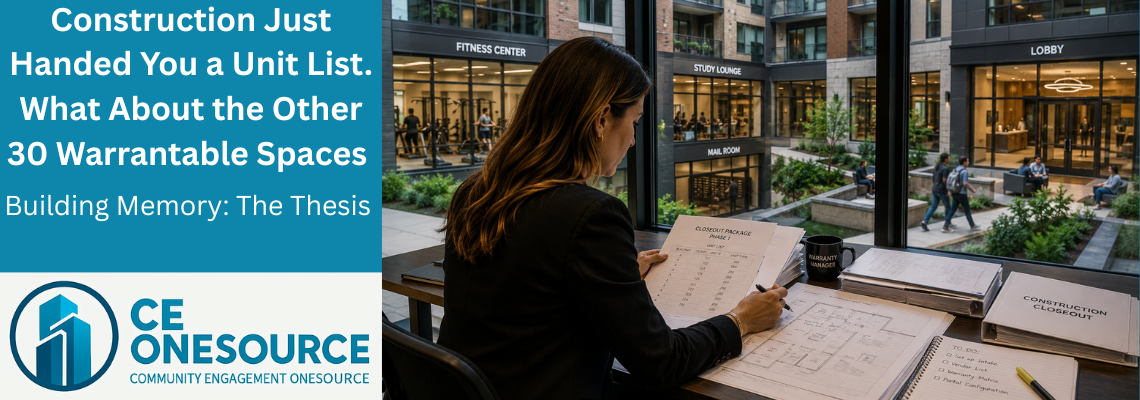
Construction Just Handed You a Unit List. What About the Other 30 Warrantable Spaces?
The email arrives on a Friday afternoon. Subject line: “Closeout package — Phase 1.” Attached: a spreadsheet of unit numbers. Nearly 300 of them, on a recent build for a Midwest student housing developer.
You open it. You filter by building. You start setting up warranty intake — branded portal, gatekeeper queue, vendor list. By Monday morning, the system is live.
By Tuesday afternoon, the first complaint comes in. It’s not about a unit.
It’s about the gym.
🔵 The 30 Spaces No One Mentioned
Here’s the math nobody warned you about. The Midwest student housing project we just brought live had more than 300 warrantable spaces. The unit list construction handed over had nearly 300 of those. The other 30+ are amenities, common areas, and back-of-house spaces that are absolutely under builder warranty during the new-construction warranty window — but they were never on the unit list. They never are.
In this one build:
- Roughly a dozen amenity spaces (fitness center, club room, business center, study lounges)
- Nearly a dozen common areas (lobbies, corridors, mailrooms, elevator landings)
- A similar count of back-of-house spaces (mechanical rooms, electrical closets, MDF/IDF rooms, the chiller plant)
That’s more than 30 spaces representing roughly 10% of the total warrantable footprint that arrived in your inbox as exactly zero rows of data.
You’ll find out about those spaces the same way every warranty manager finds out about them: a complaint comes in. A resident reports a smell from the gym. A board member emails about a flickering light in the elevator landing. A maintenance tech texts that the rooftop HVAC unit hasn’t been cycling right since last Thursday. And you scramble to figure out who owns the warranty on the equipment in the room you didn’t know existed in your system.
🔵 Why This Has Been the Industry Standard
Construction project management software — Procore, Autodesk Construction Cloud, Buildertrend — was built to track construction. Construction tracks units. The closeout package generated by these platforms reflects what they tracked: units.
Warranty software was built downstream. AppFolio, Yardi, BuildingLink, the older legacy property platforms — they track units too, because that’s what the residents live in and that’s what the property manager bills against.
So when construction hands warranty the closeout, both sides are looking at the same thing: units.
The amenity, the common area, the back-of-house — they exist in construction (someone built them; someone got paid to build them; the architect drew them) — but they’re not first-class objects in the construction software. They’re rendered as wayfinding, or notes, or square footage in the rentable-vs-non-rentable column on a spreadsheet.
By the time the data hits warranty, those spaces aren’t anywhere. The warranty manager inherits them anyway. The warranty claims come anyway. The vendor coordination has to happen anyway. The audit trail just doesn’t exist anyway.
That’s been the industry standard for as long as warranty software has existed.
🔵 What Happens to a Claim That Has No Home
Picture the warranty manager on the day the gym complaint comes in. The complaint is real: the strength-training equipment installed by the builder’s vendor isn’t working as promised, the HVAC in the room runs constantly but the temperature isn’t holding, and a resident has filed a formal complaint citing the gym as an amenity she’s paying for and not getting.
Where does this claim go in the warranty system?
In most platforms, it doesn’t go anywhere clean. The space isn’t a record. The vendor isn’t structured against the space. The claim ends up living somewhere it was never meant to live — sometimes attached to a nearby unit, sometimes dropped into a generic catch-all, sometimes never entered into the system at all and managed in email threads on the side. The work eventually gets done. The record of how it got done is fragmented, partial, or absent.
When the third gym HVAC complaint comes in 90 days later, the warranty manager has no way to see that it’s the third one. Each event reads as a one-off. The pattern is invisible because the platform was never built to recognize it.
That’s the operational reality this campaign is about.
🔵 What We Just Did Differently
We just shipped the foundational refactor that solves this.
We took a Midwest student housing build — the same one with nearly 300 units in the closeout package — and we brought the data live from FinishLine, our construction-side platform, into CE OneSource Warranty, with full structural fidelity.
Not a list export. Not a spreadsheet handoff. Not a flat-file dump that requires a warranty manager to manually re-create the building inside their warranty system. A live structural handoff that preserved the data primitives — the vendors, the spaces, the trades, the drawings, the relationships — in the shape construction had them, into the warranty system that has to use them for the next two years.
The result, in production:
More than 300 warrantable spaces created in CE OneSource Warranty, structured into four categories: Unit, Amenity, Common Area, Back-of-House
More than two dozen subcontractors brought over as first-class TradeDesk Company records, with their full staff rosters, trade assignments, coverage areas, and SLA windows intact
More than 40 distinct vendor-trade relationships captured (because most subs do more than one trade — and legacy platforms have been double-entering them for years)
325 plan views imported — one drawing per warrantable space (the unit, the townhome, the flat, the amenity, the common area), not one architectural sheet showing forty residences at once. Procore and Autodesk Construction Cloud hand you sheets — sheet A1.17 with five buildings stacked on it. We hand you the floor plan for unit 1101, by itself, on its own record
17 location tags for wayfinding, replacing the conflated “location types” of legacy systems
Zero data re-entry required by the warranty team
The shift from sheets to per-space drawings isn’t cosmetic. A warranty claim filed against unit 1101 opens to that unit’s drawing, not to sheet A1.17 with the rest of the floor on it. When the punch items come over from FinishLine — currently attached as a PDF to each unit’s record, with per-item icon overlays planned next — the claim history, the drawing, and the punch record all live on the same space.
This is the deepest construction-to-warranty data handoff we’ve seen in the market. Buildertrend has a warranty module that lives inside its construction platform — same database, same product — but the depth of refactor we’ve shipped goes beyond anything we’ve seen in their public product documentation, particularly around non-unit space modeling and vendor identity across the lifecycle. Procore acquired 1Source in 2021 to bolt a warranty product onto its construction stack; the integration has been partial and the warranty product remains structurally separate. Autodesk Construction Cloud’s punch and closeout tools terminate at substantial completion; warranty isn’t their stated domain. CoConstruct was absorbed into Buildertrend in 2021 and operates under managed sunset.
What we built is structurally different: two separate production platforms — one for construction, one for warranty — each best-in-class for its phase, sharing the same data primitives so the warranty manager inherits the building the way construction actually built it. Not a stripped-down summary of it. The building itself, in software form.
🔵 Building Memory: The Thesis
This is what we mean when we say Building Memory.
Buildings have data the same way humans have memories. The data exists from the day the architect drew the first sheet. It grows through procurement, through construction, through commissioning, through turnover, through warranty, through stabilized operations, through capital reserve studies, through major renovations, through eventual end-of-life.
In most software stacks, that memory resets at every phase boundary. The architect’s data lives in BIM and dies in BIM. The construction PM’s data lives in Procore or Autodesk Construction Cloud or Buildertrend and dies at turnover. The warranty data lives in some other system and dies when the new-construction warranty window closes. The operations data lives in AppFolio or Yardi and dies when the building gets sold.
A building can’t learn anything when its memory keeps resetting. Patterns can’t be detected across phases. Vendor performance can’t be measured across projects. Warranty exposure can’t be quantified against the actual equipment installed.
Building Memory is the thesis that says: this data belongs to the building, not to the software that happened to be in use during one phase. The data should persist, structurally, across every transition.
The Midwest student housing build is the first project where we shipped that thesis end-to-end at the construction-to-warranty transition. The warranty manager who took delivery of the data didn’t have to build the building inside her software. The building came in already built — with every space, every vendor, every trade relationship, every plan view, in the same shape construction had them in.
🔵 What This Campaign Is Going to Cover
This is Article 1 of four. Over the next three Tuesdays, we’ll walk through what just changed.
June 16 — Why the Building Has Four Kinds of Rooms (And All Four Are Under Warranty). A deep look at the Spaces refactor. The four-category model — Unit, Amenity, Common Area, Back-of-House — and why splitting them matters. Who files claims for which category. The multi-tag location model that finally fits irregular buildings (the Flats vs. Duplex vs. Townhome problem solved). And the chiller plant warranty claim story — the one that used to die in the “Other” bucket.
June 23 — Vendor Identity Doesn’t Survive the Project. We Just Fixed That. The Party data refactor. TradeDesk as the new platform name (Magic Link grew up). Why the same field foreman from the same electrical sub used to be three different records in legacy platforms — and what happens when one record finally holds across every project that sub will ever do for you. The Exec Self-Onboarding Portal. The per-trade Magic Link routing that solves the “one company, multiple trades, different point person for each” problem.
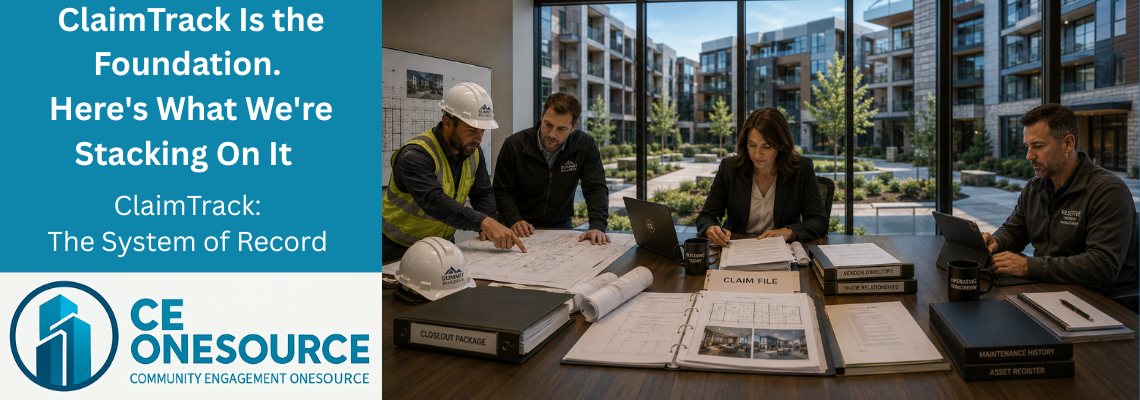
June 30 — ClaimTrack Is the Foundation. Here’s What We’re Stacking On It. ClaimTrack as the warranty claim system of record across the expanded footprint. The Branded Gatekeeper (Claim, Maintenance, Generic). And the honest forward-look: the equipment layer is next, BuildingAI Phase 3 (trade performance analytics, smart routing, voice-to-claim) is coming, and the CE OneSource Warranty → CE OneSource Operations bridge is what makes all of this worth the engineering. We’re farther than we’ve ever been. We’re not 100% there yet. Here’s what’s next.
🔵 What This Means for Your Next Build
If you’re a warranty manager — for a builder, a developer, a master-planned community operator, a hospitality group, anyone whose job starts the day construction hands over the keys — you’ve been living with the unit-list-only reality for as long as you’ve held the role. You’ve been finding out about the amenity HVAC, the chiller plant, the back-of-house mechanical room the same way every warranty manager finds out: a complaint comes in, and you scramble.
We’re not going to argue with that experience. We’re going to replace the conditions that produced it.
The next time construction hands you a closeout package, you don’t have to get just a unit list. You can get the building.
If you want to see what that looks like — what more than 300 warrantable spaces look like when they’re structured the way construction built them, with the vendor records and the trade relationships and the location tags and the per-space drawings all carried over intact — we’ll show you. Free trial. No data hostage-taking. No surprise billing. You can walk away whenever, and if you decide to bring your next project across, the system will be ready for it.
Next Tuesday, June 16: the Spaces refactor in depth. Why the building has four kinds of rooms — and what changes when all four are under warranty in the same system, on the same record, at the same time.
🔵 Concept Definitions
Warrantable Space. Any addressable physical container in a newly constructed building that is covered by the builder’s warranty during the new-construction warranty window. Includes units, amenities, common areas, and back-of-house spaces.
Building Memory. The principle that building data belongs to the building, not to the software that happens to be in use during one phase of its lifecycle. Data persists structurally across every transition — architecture, procurement, construction, warranty, operations, renovation, end-of-life.
Per-Space Drawing. An architectural drawing scoped to a single warrantable space — one for the unit, one for the townhome, one for the amenity. Contrasts with a sheet-based drawing that shows multiple buildings or residences together (for example, sheet A1.17 with five buildings on it).
TradeDesk. CE OneSource’s subcontractor and vendor data model and access platform. Company records with full staff rosters and per-trade configuration; secure time-limited Magic Links for vendor execution without logins or app downloads.
Construction-to-Warranty Data Handoff. The transfer of building data from a construction project management system to a warranty management system at substantial completion. Most handoffs today are spreadsheet exports of unit lists. A live structural handoff preserves data primitives — vendors, spaces, drawings, trades, relationships — in the shape construction had them.
🔵 Dr. Robert Bess
Dr. Robert Bess is the founder and CEO of CE OneSource and Global Building Technologies, with more than 35 years of experience across construction, closeout, warranty, and building operations. As the architect behind CE OneSource, his work focuses on eliminating operational fragmentation and establishing structured, lifecycle-based systems that carry buildings from construction through long-term operations without loss of continuity. Dr. Bess has led operational readiness efforts across large-scale hospitality developments, integrated resorts, and luxury high-rise residential communities, and writes on building lifecycle intelligence, operational continuity, and the systems that allow buildings to remember — and learn.